
查找
English
- Overview
- Latest Release Notes
- Historical Release Notes
- About ENCOO RPA Studio
- Product Introduction
- Quick Start
- Project Flow
- Version Control
- ENCOO Market
- FAQ
- ENCOO Component Library
- ENCOO RPA Robot
- ENCOO RPA Console
- Q&A
- LEGAL NOTICES
本文内容导航
Microsoft Edge Extension
In Studio or Robot, you can automate the browser by installing the Microsoft Edge Extension.
Note:
Before installing the extension, you may be asked to close Microsoft Edge, so make sure to save the relevant jobs in processing.
Install
Under Tools > Extension in the studio, you can see the Microsoft Edge extension you need to install.
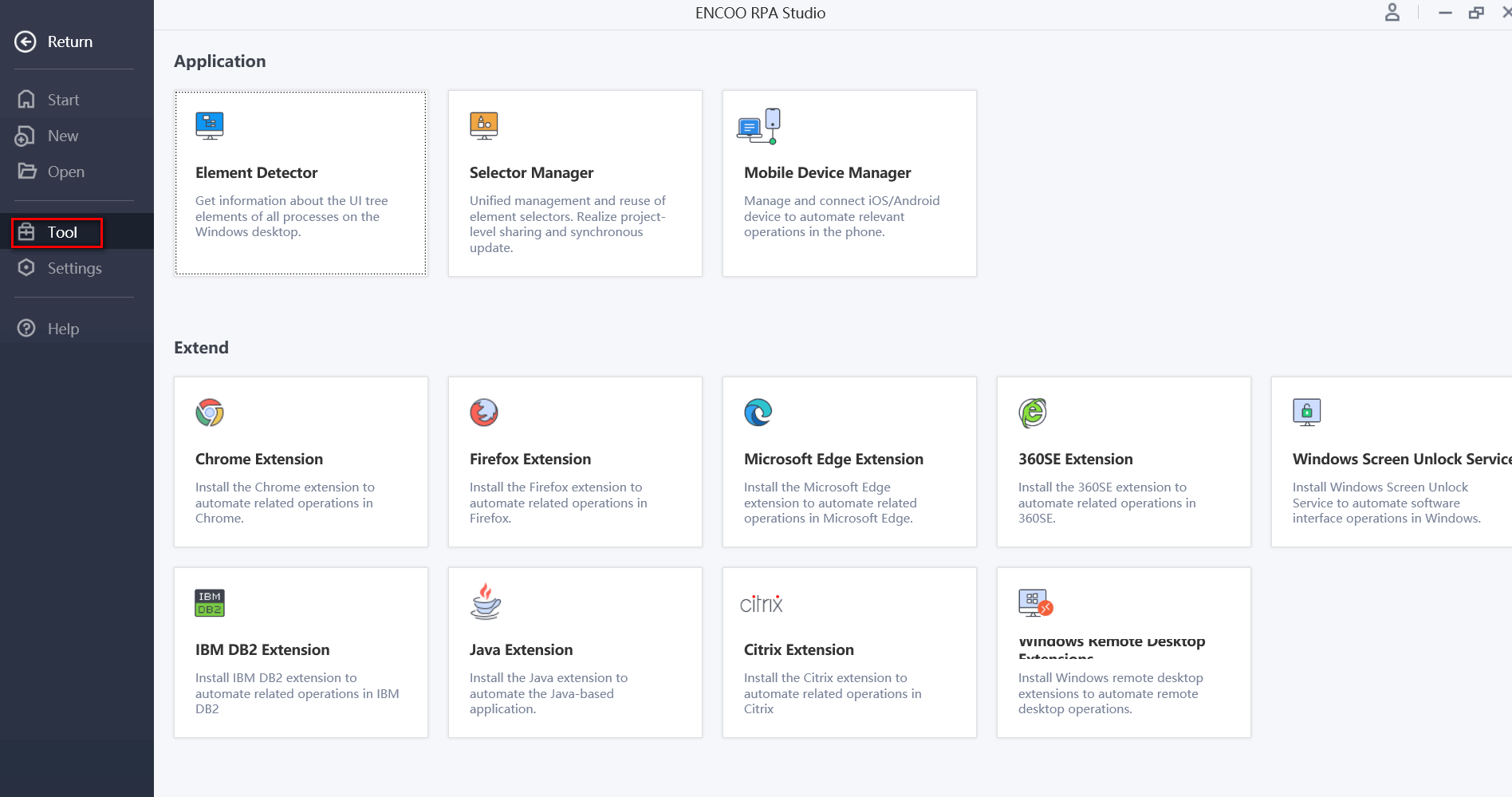
Description:
In the robot, the path of Chrome extension is under Settings > Extension.
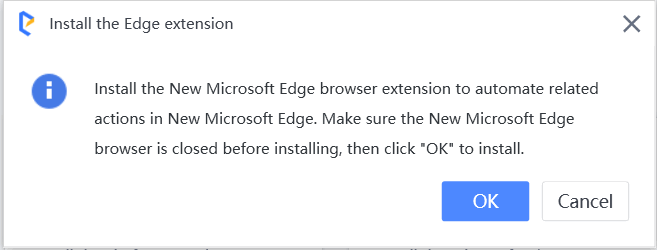
Click Microsoft Edge Extension button. The installation dialog is displayed, click OK.
Open Microsoft Edge browser, and click Extension in the side navigation bar.
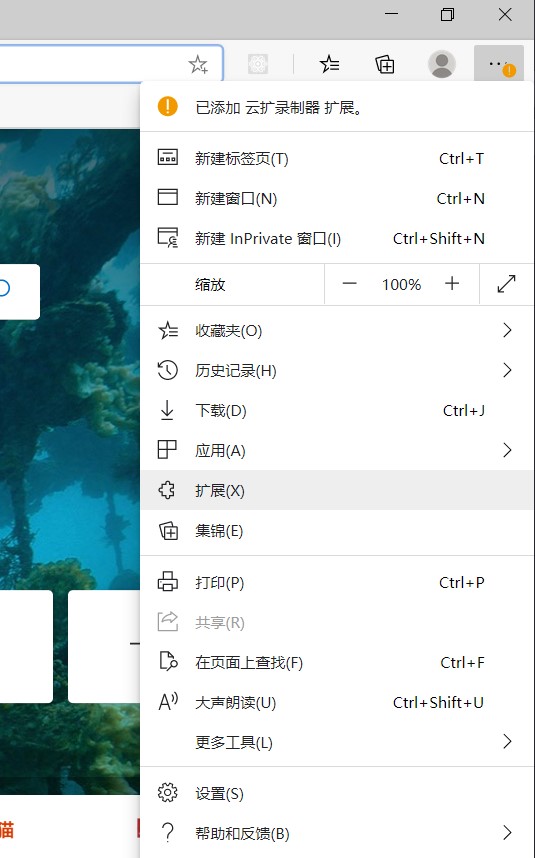
In
Click the Enable button in the lower right corner of this extension.


Copyright © 2020 上海云扩信息科技有限公司