- Overview
- Latest Release Notes
- Historical Release Notes
- ENCOO RPA Studio
- ENCOO Component Library
- ENCOO RPA Robot
- About ENCOO RPA Console
- About ENCOO RPA Console
- User Login
- Home
- Dashboard
- Flow Package Management
- Robot Management
- Scheduling Queue
- Flow Deployment
- Job Records
- Global Management
- Application Management
- Data Center
- Document Understanding
- Cancel Account
- Q&A
- LEGAL NOTICES
本文内容导航
User Login
The user login page is the portal for which users log into the ENCOO RPA console. Users log in to the home page of the ENCOO RPA console by using their accounts.
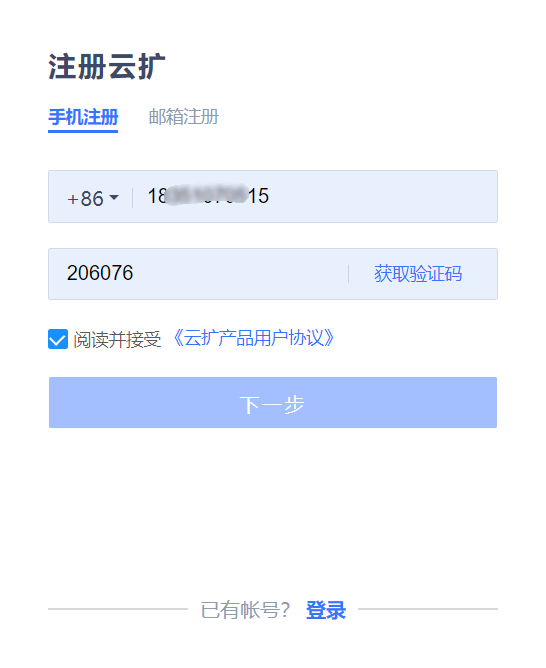
Sign up
If you have not signed up an account, you need to sign up an account as instructed on the Sign Up pagehttps://console.encoo.com/#/user/register of the console.
Description:
Or, on the login page, click the Sign Up button at the bottom right of the page to enter the Sign Up page.
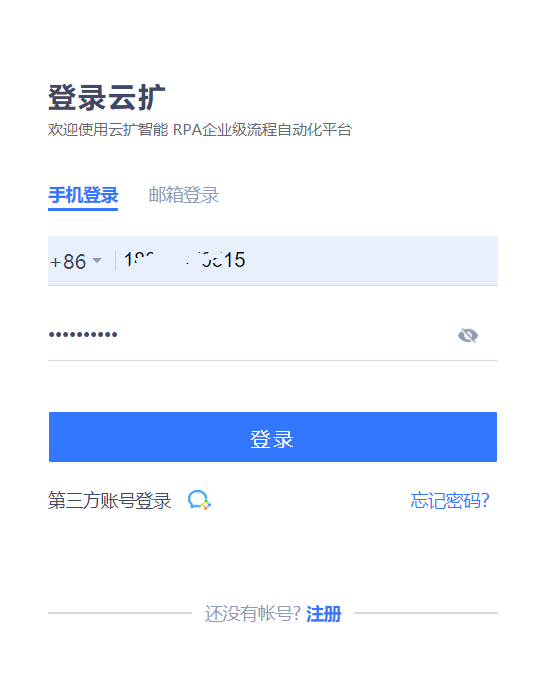
Login
If you have signed up to the console, on the login pagehttps://console.encoo.com/ of the console, select your desired login method (phone number login, email login, and third-party account login).
Description:
Or, on the Sign Up page, click the Login button at the bottom right of the page to enter the login page.
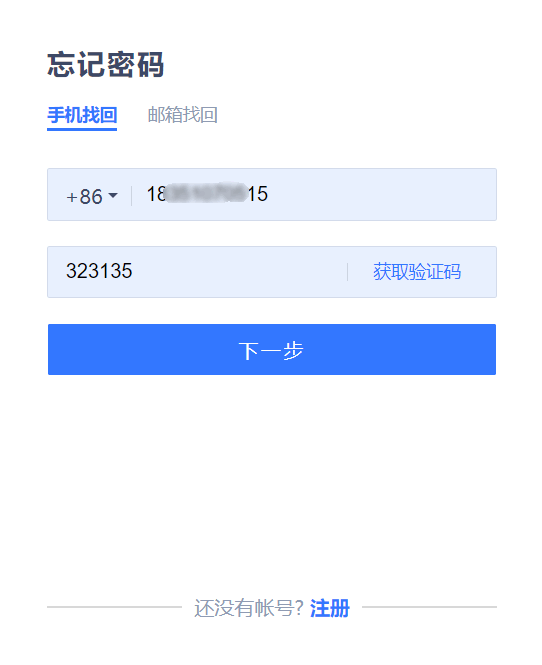
Forgot Password
If you have forgotten your password, you can retrieve your password through the bound email or phone number on the login page by:
Opening the login page and clicking the link for Forgot Password.
Selecting retrieval via email or phone number.
Entering the email or phone number bound to the account and click to get the verification code.
The verification code will be sent to the bound email or mobile phone, enter the verification code you receive, and click Next.
Enter a new password and return to the login page.
Please log in with your user name and the new password.